
NEW
3:40

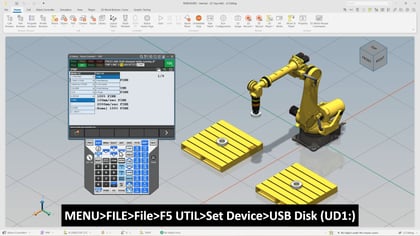
In this tech short, we walk through the process of teaching a coordinated pair using a two-axis positioner in a FANUC robotic system. Whether you're new to coordinated motion or looking to refine your calibration process, this video provides a clear, step-by-step guide to help you get started with confidence.
We begin by defining what a coordinated pair is and how it functions within a robotic system. You’ll learn how to identify the leader and follower motion groups and how to configure them using the teach pendant. From there, we’ll guide you through the calibration process, which is essential for establishing the spatial relationship between the robot and the positioner.
We’ll also cover the unknown point calibration method, including how to record key points and execute the calibration for both axes of the positioner. Along the way, we’ll highlight important safety and setup considerations to ensure your system is properly configured before moving forward.
Before you begin, make sure you have:
In this video, you’ll learn how to:
If you're ready to improve your understanding of coordinated motion and streamline your calibration workflow, this video is a great place to start. Let’s get into it.


