3:40
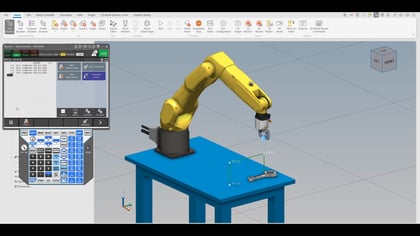
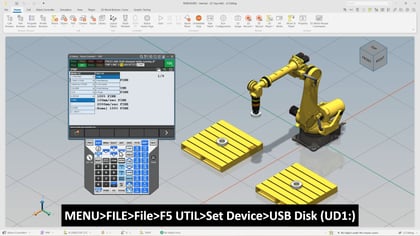
In this video, we walk through a practical and time-saving approach to editing teach pendant programs using the search and replace function. If you have ever spent valuable time manually updating repeated motion commands or adjusting parameters line by line, this session will show how to streamline that process and work more efficiently.
We will start by reviewing a simple pick and place application with multiple positions, using it as a foundation to demonstrate how indirect addressing and motion settings can be modified. From there, we will go step by step through how to quickly update CNT values across an entire program. Instead of editing dozens or even hundreds of lines individually, we will explore how to apply changes globally or selectively using the edit command tools built into the system.
As we continue, we will shift focus to motion speed adjustments. We will go over how to identify and replace speed values for linear movements, giving you more control over how your robot performs. This includes making targeted updates only where needed, as well as applying consistent changes across all applicable motion instructions. We will also cover how to handle unit conversions, allowing you to switch between measurement systems without reprogramming each line.
Throughout the video, we will demonstrate how to navigate options such as applying changes to all terms, stepping through each instance one by one, or skipping specific entries. This gives you flexibility and precision while still saving time.
Requirements:
What you will learn:
By the end of this video, we will have a clear, repeatable approach to making large scale edits in a fraction of the time it would take manually. This is a valuable technique for anyone looking to improve programming efficiency, reduce errors, and maintain greater consistency across robot applications.