NEW
2:40

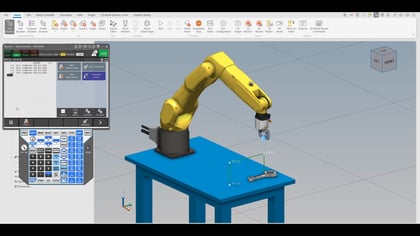
This video explores the robot backup and restore process by showing how to take a full system backup from a configured Robot One (the success model) and efficiently transfer the necessary files to a "naked" Robot Two in ROBOGUIDE. The demonstration uses the FANUC controller's backup utility to create a timestamped directory and highlights that users only need a select few critical files—including numerical and position registers, frame data, and Teach Pendant programs (*.TP)—rather than the entire image backup. By selectively loading these six key files into Robot Two, the video quickly achieves identical program and data configurations between the two robots, culminating in a test that shows their synchronized operation, emphasizing simplicity and ease of duplication.