NEW
4:22

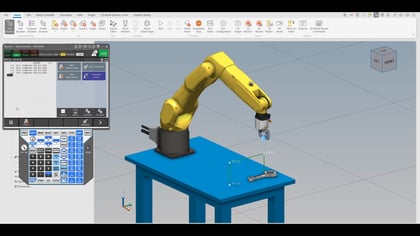
Learn how to view FANUC robot programs using free software like Notepad or Notepad++. Senior District Sales Manager, Adam, demonstrates an easy, cost-effective method to read robot code without needing the ASCII Uploader option. The video guides you through setting your robot’s directory to a USB drive and "printing" individual programs. This process converts robot-specific .TP files into a human-readable format. You'll see not only the program’s code but also important header information and positional data. While this method is for viewing only, it’s a great way to understand and debug your robot's logic.