NEW
5:22

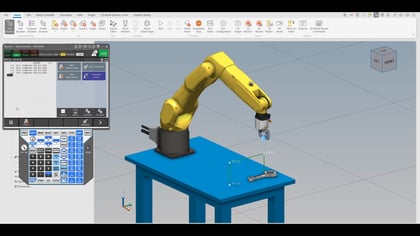
In this video, we will walk through how to invert a robot in ROBOGUIDE and explain why mounting orientation is an important part of building an efficient robotic cell. Adjusting how a robot is mounted can open up new layout possibilities, especially when working in tight or space-constrained environments. By configuring a robot to operate upside down, we can make better use of available space while maintaining performance and reliability.
We will begin by covering the fundamentals of why orientation matters. FANUC robots are built and tuned with gravity in mind, so when the mounting position changes, the robot must be updated to reflect that new orientation. Without proper configuration, performance and accuracy can be affected. This makes it essential to ensure the robot understands whether it is floor mounted, wall mounted, or inverted.
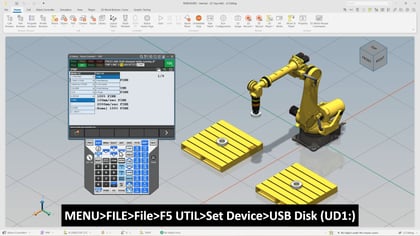
Next, we will go over how to access a controlled start, which is required to make these adjustments. We will review two different methods, one using the ROBOGUIDE interface and another through the teach pendant. This gives flexibility depending on how you prefer to work within your setup.
From there, we will step through the manual setup process at a high level. We will review key questions such as motion priority, mounting angle, axis range, and battery configuration. Each of these selections plays a role in ensuring the robot operates correctly in its inverted position.
Finally, we will apply the changes and highlight how the robot adapts once the configuration is complete.
What you will need before getting started:
What you will learn:
This overview is designed to help you quickly understand the process and feel confident applying it in your own projects.