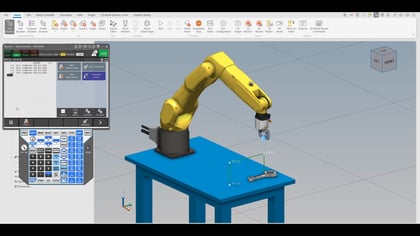
How to Remote Start a Robot using the OTHER Method (Part 2)
Part 2 of a series; learn to utilize the User Operator Panel Inputs and Outputs (UOP I/O) to control the robot remotely (ex: from a PLC).
In this video, Adam demonstrates how to configure a robot to work upside down, a technique that optimizes workspace and reach. He highlights that robots are factory-tuned for Earth's gravity, necessitating a controlled start to adjust their servos for inverted mounting. Adam explains two methods for achieving a controlled start: an "old-school" button combination and a simpler menu option. He then guides viewers through the manual setup process within the robot's maintenance settings, covering crucial configurations such as path priority, mounting orientation (180 degrees for upside down), payload settings, and J1 range. The video concludes with the final cold start to apply these changes, ensuring the robot operates correctly in its new orientation.
Part 2 of a series; learn to utilize the User Operator Panel Inputs and Outputs (UOP I/O) to control the robot remotely (ex: from a PLC).
Part 1 of a series; learn to utilize the User Operator Panel Inputs and Outputs (UOP I/O) to control the robot remotely (ex: from a PLC).
Boost automation with Python on FANUC R-50iA controllers. Learn script execution, data handling, and integration tips for robotics workflows.
Set up and use Python remote debugging on FANUC R-50iA controllers with VS Code for efficient script development and troubleshooting.
Learn how to set up and execute iRCalibration Vision Frame Set in ROBOGUIDE to improve precision and reduce errors in robotic workflows.
How to transfer files between your robot and PalletPRO via USB backup and Ethernet for seamless integration.