How Termination Type Affects Robot Path and Cycle Time
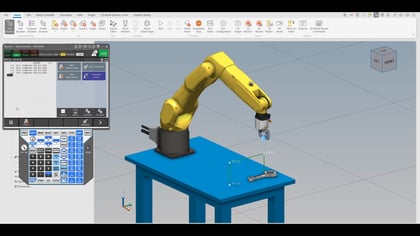
Explore FANUC robot termination types and see how fine, CNT, CR, and CD settings affect path accuracy, corner rounding, and cycle time.
Adam demonstrates setting up the User Tool Frame, or Tool Center Point (TCP), to define the tool's rotation point, which is essential when using custom tooling like an offset vacuum cup. He outlines the three-point teaching method, which requires a fixed reference point to accurately record the tool's position through rotations (ideally 0°, 180°, and 90°). A correctly taught TCP is crucial because it allows the robot to articulate all six axes while holding the tool's working point perfectly still, simplifying path programming. A key benefit is the ability to easily re-teach the TCP to update the tool's position, ensuring all existing programs remain accurate, even if the tool is damaged.

Explore FANUC robot termination types and see how fine, CNT, CR, and CD settings affect path accuracy, corner rounding, and cycle time.
Learn how FANUC user frames simplify robot programming, enable quick recovery, and improve accuracy by aligning motions to fixtures.
Learn how to teach a coordinated pair with a single axis positioner, covering setup, calibration, and validation for FANUC robots.
Learn how to teach a coordinated pair with a two-axis positioner using FANUC robotics. Step-by-step setup, calibration, and verification.
Discover how mixed logic simplifies IO control and boosts automation efficiency. Learn autoexec programs, background logic, and markers.
Discover FANUC’s Servo Gun Diagnosis Package and learn how predictive maintenance improves weld gun health, reliability, and performance.