
NEW
3:40

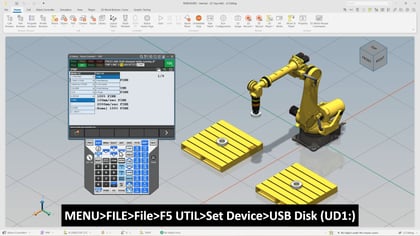
In this video, we will go over how to teach a coordinated pair using a single axis positioner. This Tech Short is designed for anyone working with FANUC robots who needs a practical understanding of coordinated motion between a robot and a positioner. We focus on the essential steps required to correctly set up and calibrate the coordinated pair so the robot can move smoothly and accurately in relation to the positioner. We begin by walking through the basic requirements that must be completed before calibration can take place. This includes confirming that the coordinated pair has been properly defined, ensuring the positioner is configured as the leader, and verifying that both the robot and positioner are mastered and calibrated. We will also discuss the importance of having a reliable tool center point and a fixed reference point on the positioner that the robot can consistently reach.
Once the setup is confirmed, we will move into the calibration process itself. We will demonstrate how to establish a reference point on the single axis positioner and teach the three required calibration points. You will see how controlled movement of the positioner axis combined with careful repositioning of the robot TCP allows the system to record accurate reference data. After teaching these points, we will cover executing the calibration and completing the process with a power cycle.
To wrap up, we will validate the coordinated pair. We will go over how to jog the positioner while observing the robot TCP follow the established reference point, confirming that coordinated motion has been successfully achieved.
Requirements before starting:
What you will learn:
If you are looking to strengthen your understanding of FANUC coordinated motion and positioner integration, this video provides a clear and focused walkthrough that will help build confidence before applying the process on the production floor.


