NEW
1:53

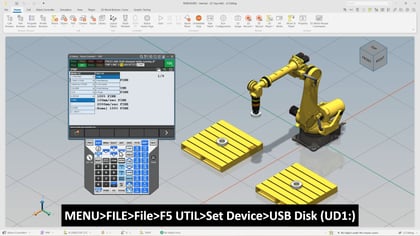
In this video, we will go over how Python programming can be leveraged on the FANUC R-50iA Controller to streamline automation tasks and enhance flexibility. Python script execution is a standard feature on this controller, enabling rapid development for file operations, communication processing, and numerical calculations. Whether you need to perform complex computations, manage production data, or integrate with external systems, Python provides a powerful toolset for your automation environment.
We will explore practical examples such as:
You will also learn about the supported Python libraries, including FANUC-provided packages for HMI device operations and remote motion control. Additionally, we will cover how to enable Python on the controller, execute scripts from the teach pendant, and manage multiple Python instances concurrently.
Requirements to Get Started:
What You Will Learn:
By the end of this video, you will have a clear understanding of how Python can be integrated into your automation workflow, helping you achieve greater efficiency and customization.