NEW
5:22
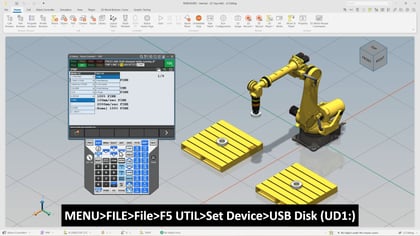
In this tech short, we will walk through the fundamentals of recording robot positions within a user frame using FANUC robotics tools. Building on a previous session where we established and recorded a user frame, this video focuses on how to apply that frame inside a working program and how positional data is defined relative to it. The goal is to help us better understand how coordinate systems influence motion paths and how we can use them to create more flexible and maintainable robot programs.
We begin by revisiting the work cell and reviewing how different user frames affect the robot’s coordinate system. As we toggle between the default world frame and a defined user frame, we can clearly see how the origin shifts. This simple visual change highlights a key concept in robot programming, which is that all recorded positions depend on the active frame at the time they are created.
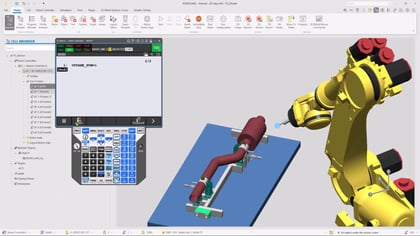
From there, we move into inserting a user frame instruction directly into a program. We will go over how to activate a specific user frame and confirm that it is being used by the controller. Once the correct frame is active, we begin recording points. These points are not stored in absolute world coordinates, but instead are defined relative to the user frame origin. This allows for greater flexibility if the work cell changes later.
We continue by creating a short program that includes a combination of linear and joint motion points. As we record each position, we will observe how the system logs both the user frame and tool frame alongside the position data. This reinforces how the robot interprets movement based on both reference frames. Finally, we run the program to visualize how the robot follows the defined path within the selected coordinate system.
What we will cover:
What you will learn:
This overview sets the stage for more advanced topics, including how to recover and adjust programs if a user frame shifts. Join us to strengthen your understanding of coordinate systems and take the next step in improving your robot programming workflow.